
How to Choose a CMS for a Corporate Website?

How to choose the right CMS for a corporate website? Examine the differences between ready-made CMS, headless CMS, and custom management panels in terms of content management, multilingual support, SEO, team roles, and scalability.
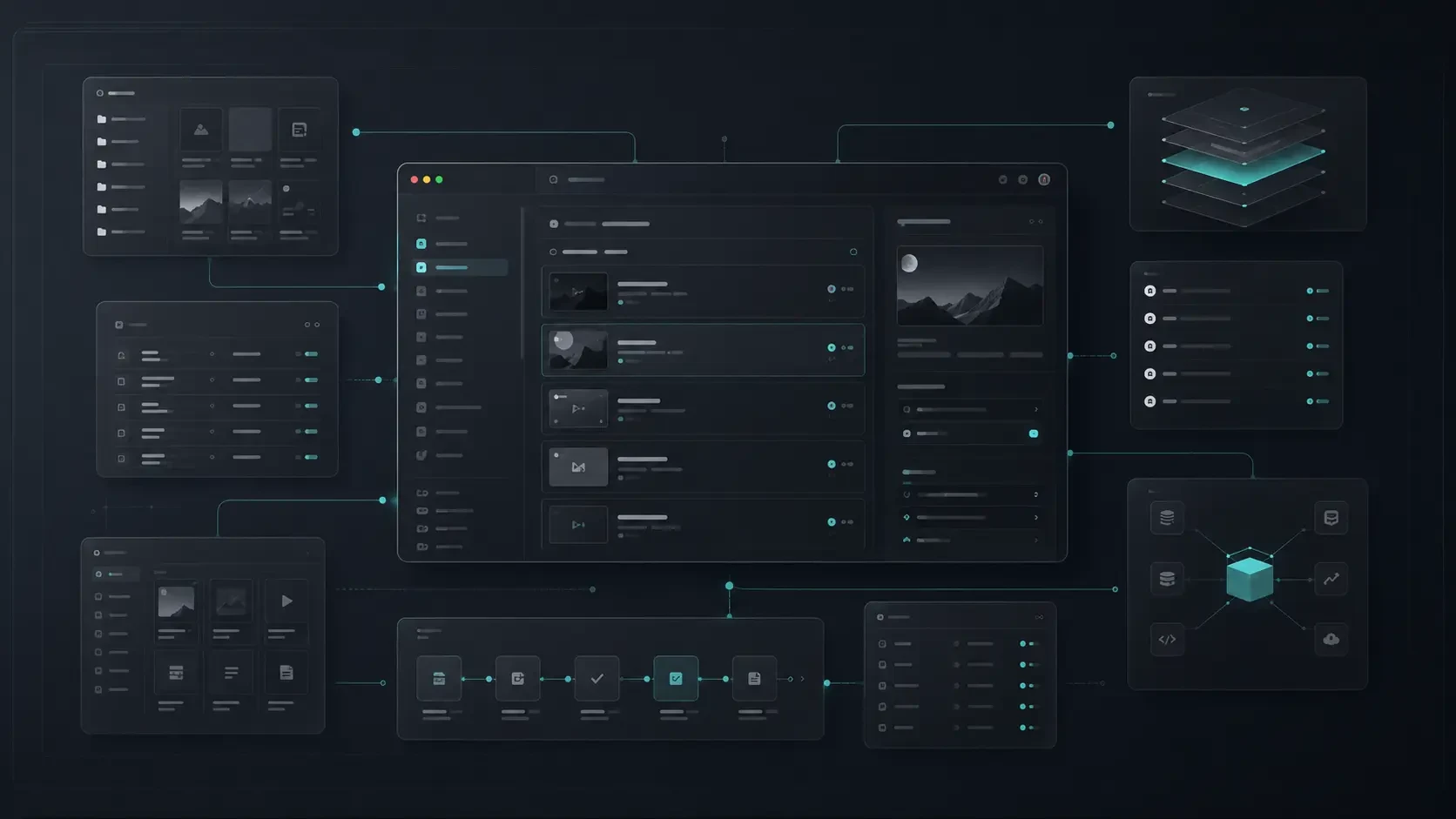
Choosing a CMS for a corporate website is not just about the ease of adding content. Team roles, multilingual support, SEO, page management, performance, and future development needs play an important role in determining the right management infrastructure.
After a corporate website goes live, the content continues to change.
New services are added. Team members are updated. Blog posts are published. Campaigns are prepared. References, announcements, and pages evolve over time.
Therefore, it is important not only how a website looks but also who manages its content and how comfortably it can be managed.
CMS, or content management system, is at the center of this process. The right CMS allows updating content, creating new pages, managing visuals, and making publication processes more controlled without the need for a technical team.
However, not every content management system is equally suitable for every company.
While a simple and fast management panel may be sufficient for some companies, others may require multilingual support, team roles, approval processes, different content types, or integration with external systems.
In this guide, we will discuss the areas to consider when choosing a CMS for a corporate website and different management approaches.
What is a CMS?
CMS is the abbreviation of the English term “Content Management System.” In Turkish, it is used as a content management system.
In its simplest form, CMS is the infrastructure that allows managing texts, images, pages, blog posts, and other content on a website without requiring technical knowledge.
Through a CMS, teams can usually perform the following operations:
Create a new page
Update texts on existing pages
Publish a blog post
Upload images and documents
Edit service or product information
Enter SEO titles and descriptions
Manage multilingual content
Prepare content as a draft or publish it
CMS is not the face of the website visible to visitors. However, it is an important tool that determines the content operation behind the site.
When properly structured, it allows content teams to work faster and the technical team to focus on more valuable developments instead of routine updates.
Why is CMS Important in a Corporate Website?
Corporate websites are not static digital brochures.
As the company grows, services, team structure, content, and communication style change. When the site can easily adapt to these changes, the brand's digital narrative remains more up-to-date and consistent.
There are several key reasons why CMS is important for corporate websites.
Empowers Content Teams with Independence
Needing the software team for every text update, new image addition, or before a blog publication can slow down the process.
A well-planned CMS allows marketing, content, and operations teams to manage their areas of responsibility more comfortably.
For example, teams can directly update the following:
Homepage showcase areas
Service descriptions
Blog and resource content
Frequently asked questions
Career postings
Team members
Contact information
References or case studies
This freedom makes it easier to keep the site up to date.
Supports Content Quality and Consistency
CMS is not only used for adding content. It also helps maintain the content structure.
For example, having the same fields on all service pages, entering consistent meta information in blog posts, or preparing team profiles in the same format makes the brand appear more organized digitally.
Thanks to the correct content model, teams do not have to rethink the structure for every new page.
Makes Publishing Processes More Controlled
In some companies, content can be published as soon as it is prepared. In others, draft, review, and approval processes are required.
When CMS can manage content statuses, drafts, scheduled publications, and different user permissions, this process proceeds more orderly.
Especially in teams where more than one person produces content; it should be clear who can create, edit, and publish content.
Does Every Corporate Website Need a CMS?
Not every website needs a CMS to the same extent.
A site with a small number of pages, content that rarely changes, and only basic contact information can proceed with a simpler management structure.
However, CMS becomes more valuable when the following needs arise:
If regular blog or resource content is published
If services and pages are frequently updated
If there are multiple content managers
If there is a need for multilingual support
If campaigns or announcements are published
If team, reference, or career areas are kept up to date
If SEO areas will be managed by the content team
If different content types are regularly created
The important question here is not just “Is there a CMS?”
The real question is:
How comfortably and securely can the team that will update the content manage the areas they need?
A very complex CMS can create unnecessary burdens for simple content needs. An overly simple management panel can become limiting as the company grows.
The right solution should meet today's needs while also allowing for future development.
Ready-made CMS, Headless CMS, and Custom Management Panel
The main approaches encountered when choosing a CMS for a corporate website are ready-made CMSs, headless CMSs, and custom management panels.
Each approach has different advantages. When making a choice, content needs and business goals should be evaluated before the technical structure.
Ready-made CMS
Ready-made CMSs are systems developed for general usage needs.
They can offer many features such as content creation, page management, media uploading, and basic SEO areas ready for use.
The ready-made CMS approach may be suitable for companies with a standard content structure, wanting a quick start, and having limited special management needs.
Advantages of these structures include quick setup, a wide plugin ecosystem, and a familiar interface for many users.
However, when very special content models, performance expectations, complex integrations, or brand-specific management experiences are needed, additional configuration may be required.
Headless CMS
Headless CMS is an approach that separates content management from the visible interface of the website.
Content is created in a central management area and can be transferred via API to the website, mobile application, or different digital channels.
This approach can be a strong option especially in the following situations:
Using the same content for the website and mobile application
Having multiple digital channels
Needing more flexibility in design and front-end experience
Targeting a performance-oriented modern web architecture
Managing content models in a more structured way
Planning to provide content to new platforms in the future
The headless structure provides a regular management area for content teams while offering a more flexible product architecture for development teams.
However, for this approach to work correctly, the content model, publishing flows, and technical integrations need to be well planned from the start.
Custom Management Panel
Custom management panels are solutions developed according to the company's own workflows and content structure.
For example, a company's service management, project areas, training content, dealer structure, or special content approval processes may require a structure beyond standard CMSs.
In this approach, the management panel can become a part of the business's digital operation, not just a page editing area.
A custom management panel may be more meaningful for the following needs:
Brand-specific content models
Custom user roles and permissions
Management areas belonging to different business units
Special approval and publishing processes
Integration with ERP, CRM, or different systems
Managing content and operational data together
Processes that standard CMS structures cannot meet
The right decision is not to choose the system that offers the most features. It is to determine the system that supports the experience needed by the content team and the future structure of the product.
Which Areas Should Be Manageable in a CMS?
Before choosing a CMS, it should be clarified which content the teams want to manage directly.
Making every area editable does not always create a good experience. Too much freedom can disrupt content consistency. Too much restriction can limit the team's room for maneuver.
The areas that are generally beneficial to be manageable on a corporate website are:
Homepage content
Service pages
About us and team information
Blog and resource articles
Frequently asked questions
Career postings
References or case studies
Contact information
Banner and campaign areas
Visual and document archive
SEO meta fields
Multilingual content
Form redirects or call texts
In addition, the management experience is also important.
For example, when preparing a blog post, it is valuable to manage the following areas within a single flow:
Title
Short description
Cover image
Category and tags
Content body
Author information
Meta title and meta description
Publication date
Draft or publication status
A good CMS does not turn the content team into a user who only performs “data entry.” It makes the process of planning, editing, and publishing content more comfortable.
Multilingual, Team Roles, and Content Processes
As the content operation of a corporate website grows, not only page editing but also authority and process management become important.
Especially in structures where different teams contribute to the site, it is healthier to clarify roles rather than allowing everyone to change every area.
Team Roles and Authorization
In a CMS, roles can be defined as follows:
Administrator
Content editor
Marketing team
Translator
Reviewer or approver
Technical team
Thanks to these roles, everyone can work in their area of responsibility.
For example, a content editor can create articles, the marketing team can update campaign areas, and the administrator can control the authority to publish.
This structure helps prevent erroneous publications and maintain content quality.
Multilingual Management
In companies that publish in multiple languages, content management should progress more planned.
Multilingual is not just about translating pages. It requires providing up-to-date, meaningful, and contextually accurate content in each language.
The following needs should be evaluated on the CMS side:
Language-based fields for each content
Ability to see missing translations
Draft and publication status by language
Localized SEO titles
Multilingual URL structure
Use of visuals or files in different languages
Translation and approval processes
Multilingual may not be an area needed initially. However, planning the website's architecture to accommodate this can make future developments more controlled.
SEO, Performance, and Security in Terms of CMS
The choice of CMS affects not only the content addition experience but also the website's performance, SEO structure, and security approach.
SEO Management
It is important for content teams to easily manage page titles, meta descriptions, image alternative texts, and URL structures.
In addition, the content structure of the CMS should help create a more organized hierarchy of headings, categories, tags, and internal links.
A CMS does not replace SEO work. However, it provides the right tools for content teams to publish with an SEO focus.
Performance
Website performance is related to how images are managed, how content is delivered, how pages are created, and how well the technical architecture is planned.
The following features may be valuable on the CMS side:
Image optimization
Regular management of media files
Reducing unnecessary plugins or dependencies
Fast delivery of content
Compatibility with caching strategies
Integration with modern web architectures
The CMS itself does not create a fast or slow site alone. However, the chosen structure should support performance goals and allow the technical team to sustain these goals.
Security
Content management systems are areas where user access and publishing processes are located.
Therefore, the security approach should be considered along with user permissions, updates, backups, access logs, and third-party integrations.
In corporate structures, the following topics become particularly important:
Correct definition of user roles
Strong login and access methods
Regular update processes
Content and data backup
Monitoring unauthorized access
Control of external plugins or integrations
Pre-publication approval processes
A good CMS should facilitate content operations while also strengthening security and control areas.
Questions to Ask When Choosing a CMS
When choosing a CMS, it is necessary to clarify the company's content and operational needs before focusing on the technology name.
The following questions can make the decision process healthier:
Which teams will manage the site?
Which content will be updated most frequently?
Will there be a blog, resource center, or announcement area?
Can new pages be created without a technical team?
Is there a need for content draft and approval processes?
Is a multilingual structure necessary today or in the future?
Who will manage the SEO areas?
How will the visual, document, and media archive be maintained?
Is there a need for connection with existing CRM, ERP, or product systems?
Will mobile applications or different channels use the content outside the website?
How will user roles and permissions be managed?
How easily can the existing structure scale as content grows?
The answers to these questions determine not only which CMS to use but also how the content model and publishing process will be designed.
Codezone's Approach
At Codezone, we consider the choice of CMS as an important product decision that shapes the website's content creation and development capacity.
In each project, we evaluate together which teams will manage the content, which areas will be regularly updated, how the content will be approved, and which digital channels may be needed in the future.
This framework shapes the content model, management panel experience, user roles, multilingual structure, and technical integration needs.
We determine the approach of ready-made CMS, headless CMS, or custom management panel according to the brand's daily working style, content structure, and long-term goals.
As Codezone, we see content management not just as a page editing process but as a fundamental system that ensures the brand communicates consistently, up-to-date, and sustainably in digital.
Conclusion
Choosing a CMS for a corporate website is not just a technical preference.
This choice directly affects the independence of content teams, the speed at which the site stays up to date, multilingual and SEO processes, the security approach, and future development capacity.
Ready-made CMSs can offer a strong and quick start for some companies. Headless CMSs can provide a more flexible foundation for multi-channel content structures and modern web architectures. Custom management panels can allow the company's unique processes to be managed more comfortably digitally.
The right CMS is not the one with the most features, but the system that offers the control needed by content teams, works in harmony with the technical structure, and can grow as the company expands.
Frequently Asked Questions
Can a corporate website be managed without a CMS?
Yes. Small sites with content that changes very rarely can proceed with a more limited management structure. However, CMS becomes more valuable for sites with regular content production, service updates, blogs, team management, or multilingual needs.
Which is better, ready-made CMS or headless CMS?
There is no single correct option. Ready-made CMSs can offer a quick start for standard content needs. Headless CMS can be a strong option for projects requiring multiple digital channels, custom content models, modern web architecture, and a more flexible front-end experience.
Can I create new pages with a CMS?
This depends on how the management panel is designed. Some CMS structures allow teams to create new pages, while others only allow updating certain areas on existing pages. This need should be clarified at the start of the project.
Does CMS selection affect SEO?
CMS can facilitate the management of areas such as meta title, meta description, URL, image alt text, and content structure. However, SEO success requires content quality, technical structure, site performance, and regular work.
Can CMS be changed later?
Yes. However, due to content migration, URL structure, SEO data, media files, and integrations, this process requires planning. Establishing the correct content model and a flexible architecture from the start makes future transitions more manageable.