
What Is an Admin Panel? What Does It Offer Businesses?

An admin panel is a software interface that allows teams to manage users, content, orders, inventory, requests, reports, and daily operations from a central location. When properly planned, it makes business processes more visible, controlled, and sustainable.
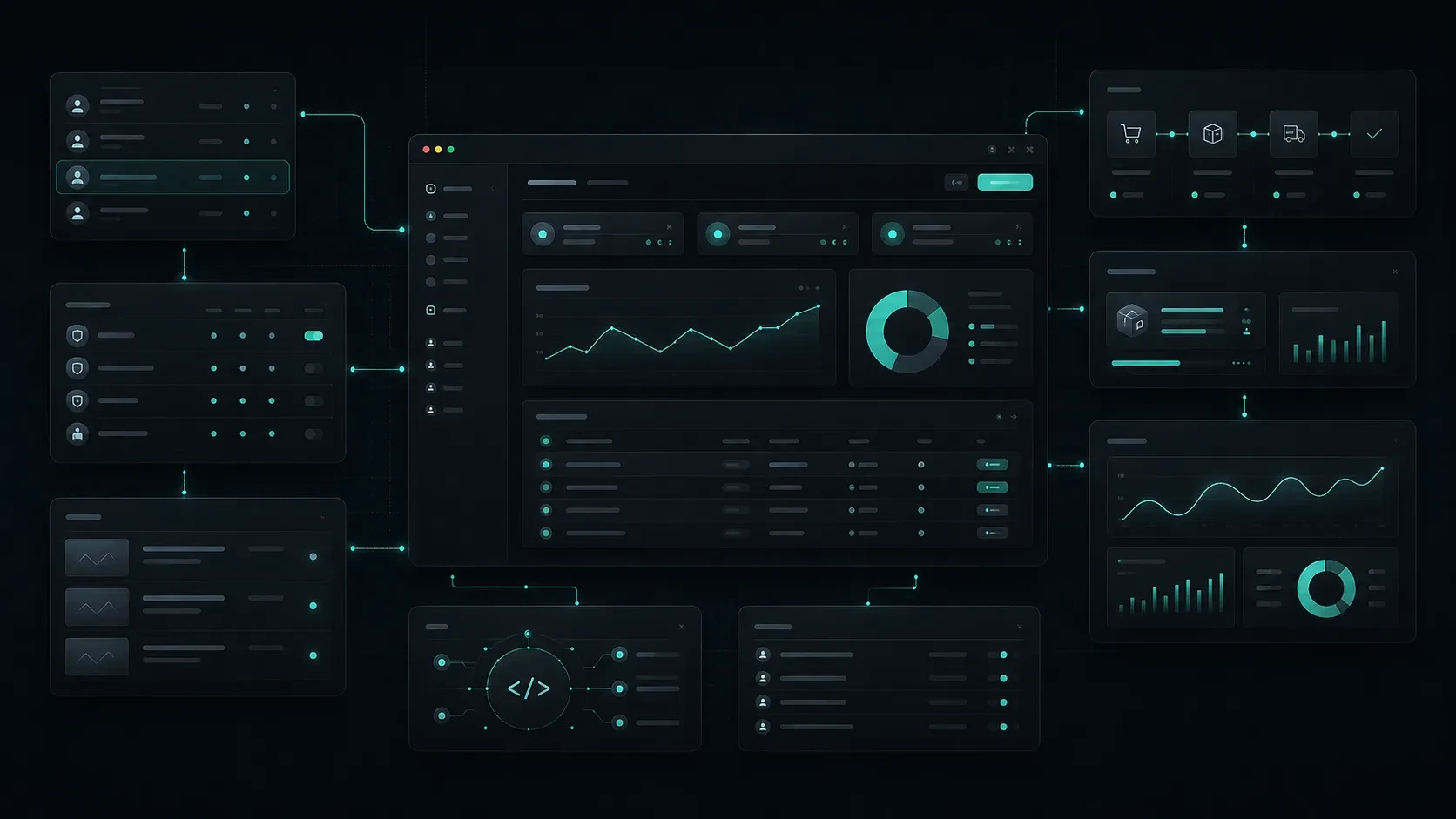
A business’s digital experience is not limited to the website or mobile application its customers see.
Many daily processes operate behind the scenes, including tracking orders, updating content, managing customers, monitoring inventory, defining team roles, and reviewing reports.
An admin panel provides a central workspace where these processes can be organized and managed.
A well-planned panel helps teams access the information they need at the right time, manage recurring tasks more efficiently, and handle critical operations with greater control.
An e-commerce brand may need an admin panel to manage orders and inventory, a SaaS product may use one to monitor user accounts and subscriptions, while a service company may use it to manage customer requests and content.
In this guide, we will explore what an admin panel is, which businesses can benefit from one, and how the right panel structure should be planned.
What Is an Admin Panel?
An admin panel is a software interface used by authorized users to manage a business’s digital processes.
Through the panel, team members can view, edit, approve, or report data according to their areas of responsibility.
The actions available within an admin panel vary depending on the needs of the business. For example:
Create a new customer record
Update an order status
Edit product or inventory information
Publish a blog post
Activate or deactivate a user account
Assign a role to an employee
Review incoming requests
Create a campaign
Export a report
Send notifications
Manage system settings
An admin panel is generally separate from the interfaces seen by customers or visitors.
For example, visitors to an e-commerce website browse products and place orders. The business team, meanwhile, uses the admin panel to view the order, prepare it for shipment, update inventory, and communicate with the customer when necessary.
For this reason, an admin panel can be considered one of the central operating environments of a business’s digital infrastructure.
Which Businesses Need an Admin Panel?
The need for an admin panel is not limited to large companies or businesses with very high transaction volumes.
Many businesses that work with recurring data, distribute responsibilities across teams, or provide ongoing services to customers may eventually benefit from having a centralized management environment.
An admin panel can be especially valuable when:
Orders, inventory, or product information need to be managed regularly
Multiple users require different levels of access
Customer requests, applications, or reservations need to be tracked
Multiple teams work with the same data
Content, campaigns, or announcements are updated frequently
Reporting and analytics are required
Information from different systems needs to be viewed in one place
Manual tracking has become a significant part of daily operations
User activity needs to be recorded
Existing Excel, email, or messaging-based processes are making growth more difficult
For an e-commerce brand, for example, a panel can bring product, order, shipping, return, and customer information together in one place.
On an education platform, users, learning content, assignments, certificates, and subscriptions can be managed through the panel.
For a SaaS product, the admin panel can centralize company accounts, plans, users, support requests, usage data, and product settings.
The key question is:
Does your team constantly need to collect information from different tools to complete its daily work?
If the answer is often yes, the need for an admin panel may already have emerged.
What Is the Difference Between an Admin Panel and a CMS?
The terms CMS and admin panel are sometimes used interchangeably, but they serve different primary purposes.
A CMS, or content management system, is mainly used to manage content on a website.
Blog posts, service pages, team members, images, project content, meta titles, and frequently asked questions can all be managed through a CMS.
An admin panel goes beyond content management.
It is designed to manage operational processes, user accounts, orders, reports, permissions, workflows, and system settings.
What Is a CMS Suitable For?
A CMS can provide a strong solution for needs such as:
Corporate website content
Blogs and resource centers
Service and product pages
Team members, references, and case studies
Images and media content
SEO fields
Multilingual content
Announcements and campaigns
For example, managing articles, collections, metadata, and images on Codezone’s own blog is a CMS use case.
What Is an Admin Panel Suitable For?
An admin panel is more commonly used for processes such as:
User and customer management
Order, payment, and return tracking
Inventory and operations management
User roles and permissions
Application and request workflows
Reporting
Subscription and plan management
Notification and campaign operations
System settings
API and integration controls
Activity history and audit logs
In some projects, the CMS and admin panel may be separate systems.
In others, both content and operational processes can be managed within the same panel.
The right structure should be determined according to the team’s daily usage and the scope of the project.
How Should User Roles and Permissions Be Planned in an Admin Panel?
Not every user needs access to the same information or the ability to perform the same actions.
When planning an admin panel, the responsibilities of each user and the areas they need to manage should be defined from the beginning.
This structure is generally referred to as user roles and permissions.
For example, an e-commerce operation may include roles such as:
Super admin
Operations manager
Order management team
Inventory manager
Customer support
Accounting user
Content editor
Report viewer
Not all of these roles require access to the same information.
An accounting user may need access to payment and invoice information, while a content editor may not need access to order values or customer data.
What Questions Should Be Asked When Planning Permissions?
The following questions can guide the planning process:
Who will log in to the system?
What actions can each user perform?
Who should have view-only access?
Which actions should require approval?
Who can access sensitive data?
What happens when a user’s permissions are removed?
Should user actions be recorded?
Will a user need more than one role?
Should access vary by company, team, branch, or customer?
When these questions are answered early, both the user experience and security structure can be designed more effectively.
What Areas Can Be Included in an Admin Panel?
The scope of an admin panel varies from project to project.
A successful panel does not attempt to place every possible feature on a single screen. Instead, it helps the business manage its most frequently used processes in a clear and understandable way.
Core areas that may be included in an admin panel include the following.
User and Customer Management
User profiles, contact information, account status, user roles, customer history, and support requests can be managed in this area.
For SaaS products, relationships between users and their companies or workspaces can also be displayed here.
Order and Operations Management
For e-commerce and service operations, orders, requests, delivery processes, tasks, and transaction statuses can be tracked through the panel.
Features such as filtering, search, notes, status updates, and bulk actions can make daily operations more efficient.
Product, Inventory, and Catalog Management
Product names, prices, variations, inventory levels, images, categories, and campaign information can be managed in this area.
As the product structure becomes more complex, properly designing the relationship between variations and inventory becomes increasingly important.
Content and Media Management
Blog posts, announcements, help center content, product descriptions, images, documents, and video content can be managed through the panel.
When content management works together with a CMS structure, teams can manage publishing workflows more efficiently.
Reporting and Analytics
Managers may want to review sales, users, orders, operations, content, or product usage data directly from the panel.
For example, the following information can be reported:
Daily or monthly order volume
User registrations
Active users
Return rates
Most frequently used features
Most common support requests
Inventory status
Campaign performance
Team activity volume
Simply displaying a large number of charts is not enough.
Reporting screens should provide clear, contextual information that helps users make decisions.
Settings and Integrations
Payment providers, shipping carriers, email tools, API keys, notification services, user settings, and company information can all be managed through the panel.
Permissions, verification, and activity history are especially important for these types of settings.
When Is an Off-the-Shelf Admin Panel Enough?
Ready-made admin panels and existing tools can provide a strong starting point for certain requirements.
When business processes are relatively standard and existing features meet most of the team’s needs, using an off-the-shelf solution can provide results more quickly.
A ready-made panel may be suitable for scenarios such as:
Basic product and order management
Standard content update requirements
Simple customer or form tracking
Operations managed by a small team
Businesses using an off-the-shelf e-commerce platform
Limited reporting requirements
Processes managed through a single system
Workflows that do not change frequently
Ready-made solutions may be sufficient to establish operations during the early stages of a business.
As the business grows, processes become more specialized, or team requirements become more specific, the limitations of the existing system may become more visible.
When Is a Custom Admin Panel Needed?
A custom admin panel is designed around the specific operating model of a business.
This approach is not necessary for every project. However, it can provide significant value when standard tools can no longer support business processes effectively or when teams require a more specialized daily workflow.
The need for a custom admin panel often arises when:
Data is manually transferred between multiple systems
Existing tools do not fit the team’s actual workflow
User roles and permissions have become more complex
Specialized reporting and tracking requirements have emerged
Multiple branches, brands, companies, or customer environments need to be managed
Business processes include custom approval stages
The risk of operational errors has increased within existing tools
The user experience is slowing the team down
Custom integrations have become critical
The business plans to turn internal processes into a digital product
The important question when considering a custom admin panel is not simply whether the business wants its own panel.
The real question is whether a custom panel will make daily operations clearer, faster, and more controlled.
Why Is User Experience Important in an Admin Panel?
Admin panels are often designed with less attention than customer-facing interfaces.
However, the usability of tools that employees spend hours using every day directly affects operational quality.
Complex menus, unclear tables, unnecessary form fields, and poorly organized information can increase the likelihood of errors and slow down daily processes.
A strong admin panel experience should:
Provide quick access to frequently used actions
Present information in the right order of priority
Offer effective search and filtering
Make long tables easier to understand
Clearly communicate empty, error, and loading states
Provide confirmation mechanisms for critical actions
Keep forms as simple as possible
Support mobile use when required
Make completed steps visible to the user
Hide unnecessary menus and options based on permissions
For example, if an operations team needs to navigate through five different screens simply to find an order, the issue is not only visual design. It is also an issue with the workflow itself.
When the panel experience is structured properly, teams repeat fewer actions, encounter fewer errors, and require less training.
How Does an Admin Panel Work With a Website, Mobile App, and API?
An admin panel rarely operates as a completely isolated system.
It may exchange data with a website, mobile application, customer portal, payment infrastructure, CRM, ERP, or third-party services.
At the center of this structure is often an API.
An API is the technical layer that allows different applications to communicate with each other according to defined rules.
For example:
A contact form submitted on the website can appear as a new request in the admin panel.
User data from a mobile application can be added to the user’s profile in the panel.
A new order placed on an e-commerce website can appear on the operations screen.
Inventory updated in the admin panel can be reflected on the website in real time.
A customer record created in the CRM can be connected to the customer portal.
A notification sent through the panel can be delivered to a mobile app user.
For this reason, developing an admin panel involves more than designing the screens.
Teams also need to plan where data comes from, where it goes, and which system acts as the primary source of truth.
A well-designed structure helps different teams work more consistently with the same information.
Data Security, Activity History, and Access Control
Admin panels often work with sensitive information such as customer data, payment information, order records, operational notes, or internal company information.
For this reason, security should be considered from the beginning of the admin panel development process.
Core security and control areas may include:
Secure authentication
Strong password policies
Multi-factor authentication where required
Role-based access control
Session management
Session duration and termination
Restricted visibility of sensitive data
Activity logs
Data export permissions
Error and suspicious activity monitoring
Backup and recovery planning
Permission revocation processes
Why Is Activity History Important?
Recording actions performed within the panel becomes increasingly important as the team grows.
For example, it should be possible to answer questions such as:
Who updated the status of this order?
When was this user’s role changed?
On what date was the price of a product updated?
Who approved this return request?
Which user exported this data?
Activity history supports greater accountability across teams and makes it easier to investigate issues when they occur.
These records do not necessarily need to be visible to every user at the same level.
However, managers and authorized teams should be able to monitor critical activities.
Codezone’s Approach
At Codezone, we approach admin panels as digital products that help teams manage their daily work more efficiently while increasing operational visibility across the business.
For each project, we first evaluate which actions users perform most frequently, where the data comes from, which information teams need, and which decisions require specific permissions.
This framework shapes the panel’s information architecture, user roles, workflows, integrations, reporting requirements, and security structure.
When user experience, data architecture, and daily operations are designed around the same goals, an admin panel becomes more than a place where teams simply maintain records. It becomes a working environment that supports decision-making and makes everyday operations easier to manage.
At Codezone, we develop admin panels as products that can work together with websites, mobile applications, and existing business systems while adapting to the evolving needs of growing organizations.
Conclusion
An admin panel is an important workspace that makes a business’s digital operations more visible and controlled.
When users, orders, content, inventory, requests, reports, and workflows are brought together within the right panel structure, teams can manage their daily work in a more organized way.
Ready-made solutions can provide a suitable starting point for some businesses. However, when processes become more specialized, teams grow, or data needs to move between multiple systems, a custom admin panel can become a valuable investment.
The right admin panel is not the one that offers every possible feature at once.
It is the one that gives the right user access to the right information and the right action at the right time.
Frequently Asked Questions
Are an admin panel and a management panel the same thing?
They are generally used to describe the same type of system. “Admin panel” is the more common technical term, while “management panel” may also be used to describe the environment where teams manage their day-to-day operations.
Does every website need an admin panel?
Not every website needs a comprehensive admin panel. If the main requirement is updating blog posts, service pages, or team information, a CMS may be sufficient. A more comprehensive admin panel may be needed when the project includes orders, users, reporting, or custom operational processes.
Can an admin panel work together with a mobile application?
Yes. Users, data, orders, notifications, and content within a mobile application can be managed through an admin panel. This structure commonly operates through a shared backend and API layer.
Is an off-the-shelf or custom admin panel the better choice?
The right choice depends on the business processes involved. Ready-made solutions may be sufficient for standard and limited requirements. As workflows, user roles, reporting, or integration requirements become more specialized, a custom admin panel may provide a more suitable structure.
How long does it take to develop an admin panel?
The timeline depends on user roles, data structure, number of screens, integrations, reporting requirements, and security needs. Defining the primary workflows during the initial planning stage helps create a more realistic development roadmap.