
How to Plan Payment, Shipping, and Invoicing Processes in E-Commerce

How should payment, shipping, and invoicing processes be planned in e-commerce? Explore payment infrastructure, order flows, shipping integrations, e-invoicing, returns, and operational management as one connected system.
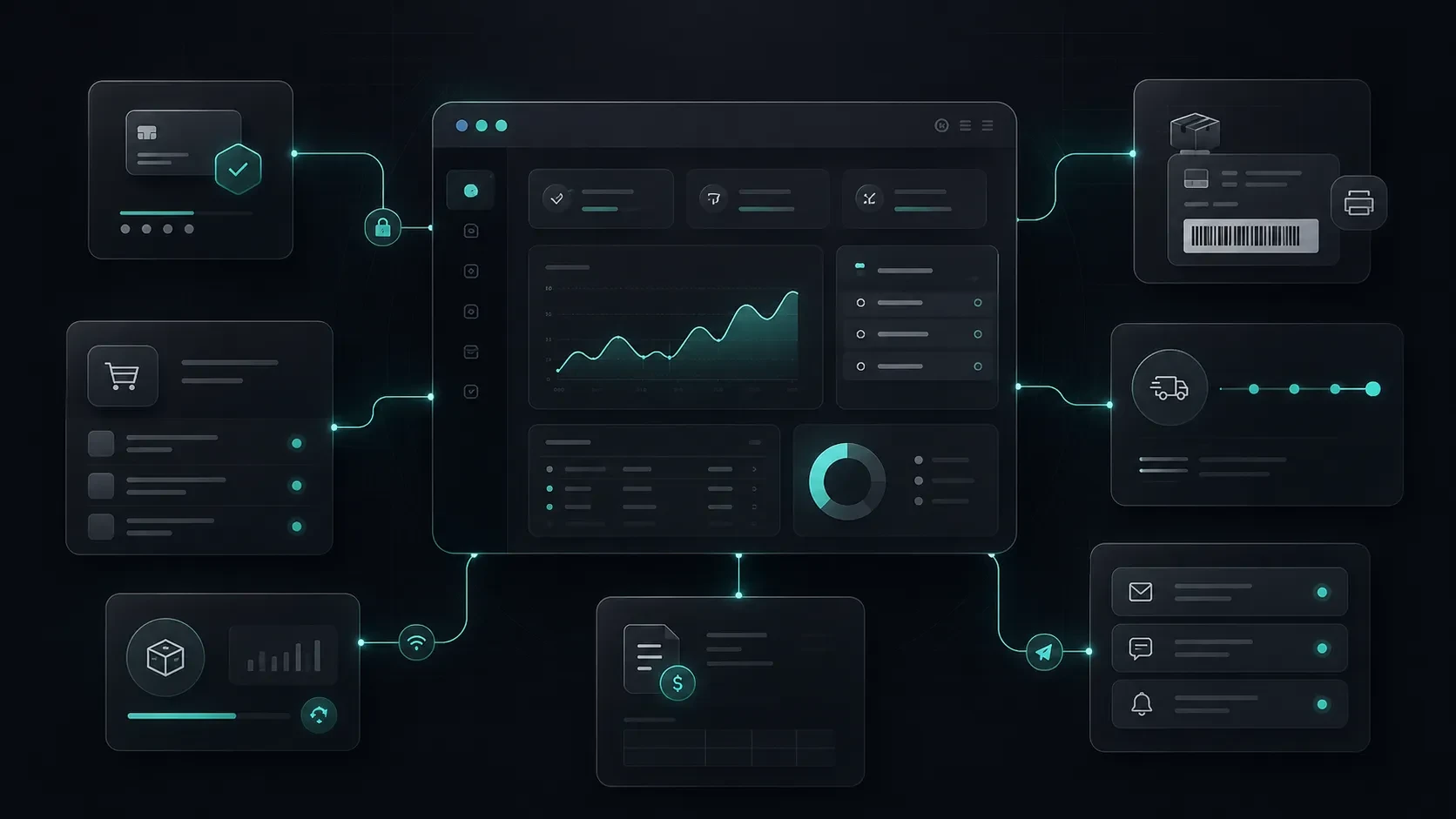
A strong e-commerce experience continues well beyond the product page. When payment, order, shipping, invoicing, returns, and customer communication processes are properly structured, both the customer experience and day-to-day operations run more smoothly.
An e-commerce project is not complete simply by listing products, displaying prices, and adding an “Add to Cart” button.
The real operation begins once the customer decides to make a purchase.
Securely processing the payment, turning it into a valid order, updating inventory, generating the invoice, preparing the shipment, and keeping the customer informed at every stage are all essential parts of the e-commerce experience.
When one of these processes is disconnected from the others, uncertainty can arise for customers while the daily workload of the operations team increases.
For example, if a payment is completed but no order is created, inventory information is outdated, shipping status is not accurately reflected to the customer, or invoicing is handled manually, seemingly minor issues can quickly turn into additional workload for customer service, accounting, and operations teams.
For this reason, payment, shipping, and invoicing should not be planned as separate areas. They should be designed as interconnected parts of the complete order lifecycle.
In this guide, we will explore how these processes should work together within an e-commerce infrastructure.
Why Should Payment, Shipping, and Invoicing Be Planned Together in E-Commerce?
From the customer’s perspective, the e-commerce experience feels like a single journey.
They select a product, complete the payment, see that their order has been created, wait for shipping updates, and, when necessary, begin a return or exchange process after receiving the product.
On the business side, however, this journey may require several different systems to work together:
E-commerce infrastructure
Payment provider
Inventory or product management system
Shipping carrier
Invoicing and accounting infrastructure
CRM or customer support system
Email and notification services
Admin panel
If the data flow between these systems is unclear, teams may have to enter the same information repeatedly across different platforms.
For example, once a payment is successfully completed, the order should be created automatically, inventory should be updated, the customer should be notified, and the correct information should appear in the operations team’s order management screen.
When a shipping carrier is integrated, the tracking number should be linked to the relevant order, and the customer should be able to access this information through their account or via email.
When a return occurs, the order status, inventory movement, payment refund, and invoicing process should all be evaluated together.
For this reason, several questions should be answered clearly during the initial planning stage:
What stages will an order go through?
Which system will serve as the primary source of data at each stage?
Which processes will be automated, and which will be managed by the team?
What information will the customer see at each stage?
How will the team intervene when an error or delay occurs?
How will returns and cancellations be connected to the order flow?
Once this foundation is established, e-commerce operations become more measurable and sustainable.
Payment Methods and Choosing a Payment Provider
The payment step is one of the most critical moments in which the customer completes their purchasing decision.
At this stage, customers are not simply entering their card details. They are also forming an impression of the brand’s reliability, the clarity of the process, and how seamless the overall purchasing experience feels.
Available payment methods may vary depending on the target audience, product type, and business model.
Common payment options include:
Credit or debit card
Installment payments
Bank transfer or EFT
Cash on delivery
Digital wallets
Payment links
Deferred payment or custom collection models for corporate customers
Recurring payment infrastructure for subscription-based products
Not every payment method is necessary for every project.
The priority is to build a technically secure structure that matches customer habits and can be efficiently managed by the operations team.
What Should Be Considered When Choosing a Payment Provider?
A payment provider should not be selected based solely on commission rates.
The following areas should be evaluated together:
Supported payment methods
Installment options
Payment success rate
Return and cancellation management
Quality of technical integration
API quality and documentation
Support process when errors occur
Fraud and suspicious transaction controls
Reporting and reconciliation capabilities
Subscription and recurring payment support
Admin panel experience
Compatibility with existing accounting and ERP processes
When selecting a payment infrastructure, it is important not only to enable customers to complete payments quickly but also to make it easy for operations teams to monitor transaction statuses.
What Information Should Be Displayed on the Payment Screen?
When customers reach the payment stage, they should be able to clearly review the essential details of their order.
This may include:
Product summary
Quantity and variation details
Shipping fee
Discounts or coupon usage
Total amount
Delivery address
Billing information
Payment method
Estimated delivery information
Access to return and exchange policies
Presenting this information clearly reduces unexpected surprises at the final stage of the purchase.
Successful, Failed, and Pending Payment Scenarios
The payment process should not be considered only in terms of “successful” or “failed” payments.
In real-world scenarios, many different situations can occur:
The customer enters incorrect card details.
The bank declines the transaction.
The payment page is closed.
The customer returns from the payment step.
Bank approval is delayed.
The payment provider responds late.
The payment succeeds, but the customer does not reach the thank-you page.
Multiple payment attempts are made for the same order.
A bank transfer or EFT payment remains pending.
A cash-on-delivery order requires manual approval.
An order is placed under review due to suspicious transaction checks.
These scenarios should be considered during the early stages of the project.
What Should Happen After a Successful Payment?
The sequence of actions performed by the system after a successful payment should be clearly defined.
For example:
The payment result is verified.
The order is created or updated.
Inventory is updated.
An order confirmation is sent to the customer.
The new order appears in the operations panel.
The invoicing process begins.
The shipping preparation workflow is activated.
Analytics and reporting records are processed.
One of the most critical points in this process is ensuring that the same payment does not accidentally generate multiple orders.
In particular, notifications received from the payment provider should be securely verified, and transaction IDs should be stored correctly.
How Should Failed and Pending Payments Be Managed?
Customers who experience a failed payment should be able to understand why they could not complete the transaction.
At the same time, unnecessary technical details should not be displayed for security reasons.
For example, the following types of messages can be shown:
“Your payment could not be completed. Please check your card details and try again.”
“Your bank did not approve the transaction. You can try a different payment method.”
“Your payment is being reviewed. We will notify you once the process is complete.”
For pending payment scenarios, customers should not be left with an unclear screen. The current status of the transaction and when they can expect an update should be clearly communicated.
The operations team should also be able to easily identify and manage these orders from the admin panel.
Shipping Process and Delivery Experience
Once a customer completes a purchase, one of their first questions is usually:
When will my order arrive?
Shipping is one of the most visible parts of the post-purchase e-commerce experience.
Even when the product itself is excellent, unclear preparation, delivery, or tracking processes can negatively affect the customer’s perception of the brand.
For this reason, the shipping experience involves much more than simply creating a shipment.
The following areas should be planned together:
Order preparation time
Handover time to the carrier
Shipping carrier selection
Delivery regions
Shipping fees and free-shipping thresholds
Delivery options
Tracking number generation
Displaying shipping statuses to customers
Undeliverable shipments
Damaged or incomplete deliveries
Return shipping workflows
What Should Be Considered When Choosing a Shipping Carrier?
A shipping carrier should not be selected based solely on price.
Product type, delivery region, daily order volume, and customer expectations should all be considered together.
The following areas are particularly important:
Cities and regions covered
Delivery times
API and integration capabilities
Branch and distribution network
Doorstep return pickup options
Accuracy and freshness of tracking data
Support process for damaged or lost shipments
The need to work with multiple carriers
Operational models for large, heavy, or specially handled products
For some businesses, a single shipping carrier may be sufficient. For others, working with multiple carriers based on delivery region, product type, or service level may provide a better operational structure.
How Should Shipping Status Be Presented to Customers?
Customers should be able to easily understand the current stage of their order.
For example, the following statuses can be displayed clearly:
Order received
Payment confirmed
Preparing
Shipped
Out for delivery
Delivered
Return requested
Return in transit
Return completed
Displaying these only as technical status labels may not be enough.
Whenever possible, short explanations should also tell customers what is happening.
For example, when an order is marked as “Preparing,” the estimated timeframe for handing it over to the shipping carrier can also be displayed.
The Connection Between Orders, Inventory, Returns, and Shipping
When order, inventory, return, and shipping processes are managed independently, e-commerce operations can quickly become complex.
When a product is sold, its inventory level needs to be updated.
When an order is cancelled or a product is returned, the business should determine whether the item can be made available for sale again.
When an order is shipped, the order status should be updated. If delivery fails or the shipment is returned, the operations team should be provided with the appropriate next actions.
For this reason, the following questions should be clearly answered within the order workflow:
At what stage should inventory be deducted?
Should products be reserved while payment is pending?
How should inventory be updated when an order is cancelled?
Are partial returns supported?
How should inventory be tracked for product variations?
How should damaged or unsellable returned products be marked?
What happens when a shipping carrier cannot complete a delivery?
Should a new order be created when a customer requests an exchange?
Should a returned product be made available for sale again?
Some of these answers will vary depending on the product type.
Digital products, physical products, personalized products, and brands operating with pre-order models may all require different operational rules.
The Return Process Is Part of the Customer Experience
Returns should be treated as an integral part of the overall customer experience.
Customers should be able to access clear information when they need it, initiate the process easily, and track its progress.
The following points should be clearly defined in the return flow:
How is a return request created?
Which products can be returned?
What information is required for a return?
Where should the product be sent?
Who covers the shipping cost?
How is the returned product inspected?
How is the payment refund processed?
When is the customer notified?
Clarity in these areas can reduce the workload on customer service teams while strengthening the brand’s post-purchase experience.
E-Invoice, E-Archive, and Accounting Integrations
Once the order process is completed, invoicing and accounting processes come into play.
Although these processes are not always visible to the customer, they are critical to maintaining a healthy e-commerce operation.
Invoicing requirements may differ depending on the company’s tax structure, sales model, customer type, and accounting infrastructure.
For this reason, it is useful to plan these processes together with the accounting team or relevant solution providers at the beginning of the project.
Areas to consider include:
E-invoice and e-archive processes
Individual and corporate customer distinction
Collecting invoice details from the order
Invoice number and document generation
Cancellation and return invoices
Partial return scenarios
Accounting software integration
Order and payment reconciliation
Reporting shipping or service fees
Document flows for subscription or recurring payment models
When Should the Invoicing Process Begin?
Every business may have a different operational model.
In some structures, the invoice is generated after payment. In others, specific workflows are followed while the order is being prepared or when the product is shipped.
The critical point is ensuring consistency between order status, payment information, customer data, and the accounting system.
Incorrect or incomplete billing information can result in manual corrections, additional customer requests, and extra workload for the accounting team.
For this reason, billing information collected during checkout should be aligned with the fields used in the order and accounting systems from the beginning.
Post-Purchase Email and Notification Flows
After an order is completed, much of the uncertainty experienced by customers can be reduced through a well-designed communication flow.
Post-purchase communication involves much more than simply sending an “Order received” email.
Customers should be able to understand the current stage of their order, when it is expected to ship, and what they should do if an issue occurs.
Possible communication points include:
Order confirmation
Payment confirmation
Pending bank transfer or EFT notification
Order preparation update
Shipment confirmation
Shipping tracking link
Delivery confirmation
Return request confirmation
Return process updates
Refund notification
Back-in-stock notification
Subscription renewal or upcoming payment reminder
The tone of these communications is also important.
Customers should not be shown technical error codes or the internal processes used by operations teams.
Instead, the information they actually need should be communicated clearly and in natural language.
What Information Should Emails Include?
Post-purchase emails may generally include:
Order number
Product summary
Payment status
Delivery address
Estimated preparation or delivery time
Shipping tracking information
Support channels
Access to the return or exchange process
Invoice information or access to the invoice
Helping customers find the information they need before contacting the support team can make the entire operation more efficient.
What Operations Teams Need in an Admin Panel
The admin panel used by the operations team is just as important as the customer-facing side of an e-commerce platform.
If orders, products, inventory, payments, return requests, and customer information are scattered across different screens, teams may find daily operations difficult to manage.
A well-designed admin panel allows teams to access the information they need at the right time.
Core areas that may be included in the operations panel include:
Order list and order details
Order status updates
Payment status
Shipment creation and tracking number management
Product and variation information
Inventory movements
Return and exchange requests
Customer information
Invoice status
Campaign and discount usage
Manual order creation
Notes and internal activity history
Reporting and export tools
User roles and permissions
Which Filters May Be Needed in the Admin Panel?
As order volume grows, teams need to find specific records quickly.
For this reason, filtering and search functionality become increasingly important.
Example filters may include:
Order status
Payment status
Shipping status
Date range
Product or category
Customer
Shipping carrier
Return status
Invoice status
Campaign or coupon code
Payment method
This structure can improve operational speed while also helping the team reduce the risk of errors.
Critical Scenarios That Should Be Tested
It is not enough for only the primary flow of an e-commerce website to work correctly.
Real users access the system from different devices, use different payment methods, enter different address details, and behave in unexpected ways.
For this reason, pre-launch testing should be designed to reflect real-world scenarios as closely as possible.
Example scenarios that should be tested include:
Successful card payment
Failed card payment
Customer returning from the payment screen
Pending payment
Repeated payment attempt for the same order
Bank transfer or EFT order
Coupon usage
Partial or full discount
Out-of-stock product
Multiple users attempting to purchase the last available item at the same time
Product variation selection
Free-shipping threshold
Different delivery and billing addresses
Corporate invoice information
Order cancellation
Partial return
Full return
Shipping tracking number generation
Undeliverable shipment
Mobile payment flow
Payment and form behavior across different browsers
Correct delivery of email notifications
Consistency of order, inventory, and payment statuses in the admin panel
When these scenarios are turned into a checklist before launch, the release process can be managed in a more controlled way.
Codezone’s Approach
At Codezone, we approach e-commerce projects as digital products in which product pages, checkout, the operations panel, order management, and the post-purchase experience work together as one connected system.
For each project, we first evaluate the product structure, sales model, customer expectations, operational workflows, and integrations with existing systems.
This framework shapes payment methods, order statuses, shipping flows, invoicing requirements, customer notifications, and the overall admin panel experience.
When we build a structure that simplifies the purchasing journey for customers, organizes the operations team’s daily work, and makes order data more meaningful, the e-commerce infrastructure becomes a stronger foundation for the brand’s growth.
At Codezone, we develop e-commerce systems as products where customer experience and operations come together within the same ecosystem.
Conclusion
Payment, shipping, and invoicing processes in e-commerce are not separate operations that begin only after a sale has been completed.
They are directly connected to the customer’s purchasing experience.
Clarity throughout the payment process, accurate order tracking, visible delivery information, a clear return flow, and an organized invoicing process all influence the customer’s trust in the brand.
A well-planned e-commerce infrastructure makes it easier for customers to understand what is happening throughout their order journey. At the same time, it enables operations, accounting, and support teams to work in a more organized and controlled way.
The best e-commerce experience does not end when a product is added to the cart. It continues with confidence even after the order has been completed.
Frequently Asked Questions
Which payment methods should an e-commerce website support?
This depends on the target audience and sales model. Card payments are one of the core methods for most projects. Installment payments, bank transfer/EFT, cash on delivery, digital wallets, and subscription payments can also be considered depending on the product structure and customer habits.
Can an e-commerce website operate without shipping integration?
Yes. When order volume is low, shipping processes can be managed manually. However, as order volume grows, integrations can significantly simplify operations such as generating tracking numbers, monitoring shipments, updating statuses, and managing returns.
Should e-invoice or e-archive processes be integrated with the e-commerce website?
Depending on sales volume, customer type, and accounting processes, connecting these systems to the e-commerce infrastructure can be beneficial. The most suitable structure should be planned together with the accounting team and the invoicing solution being used.
How many stages should an order status flow have?
Order statuses should remain simple enough for customers to easily understand what is happening. Core statuses such as payment confirmed, preparing, shipped, delivered, cancelled, and returned can provide a strong starting point for most projects.
Can returns be managed through the admin panel?
Yes. The system can be designed so that return requests, product inspections, shipping status, payment refunds, and customer communication can all be tracked and managed through the admin panel.