
What Determines Mobile App Prices?

Why do mobile app prices vary? Explore factors affecting costs such as MVP scope, React Native or native development, backend, integrations, design, and post-launch maintenance.
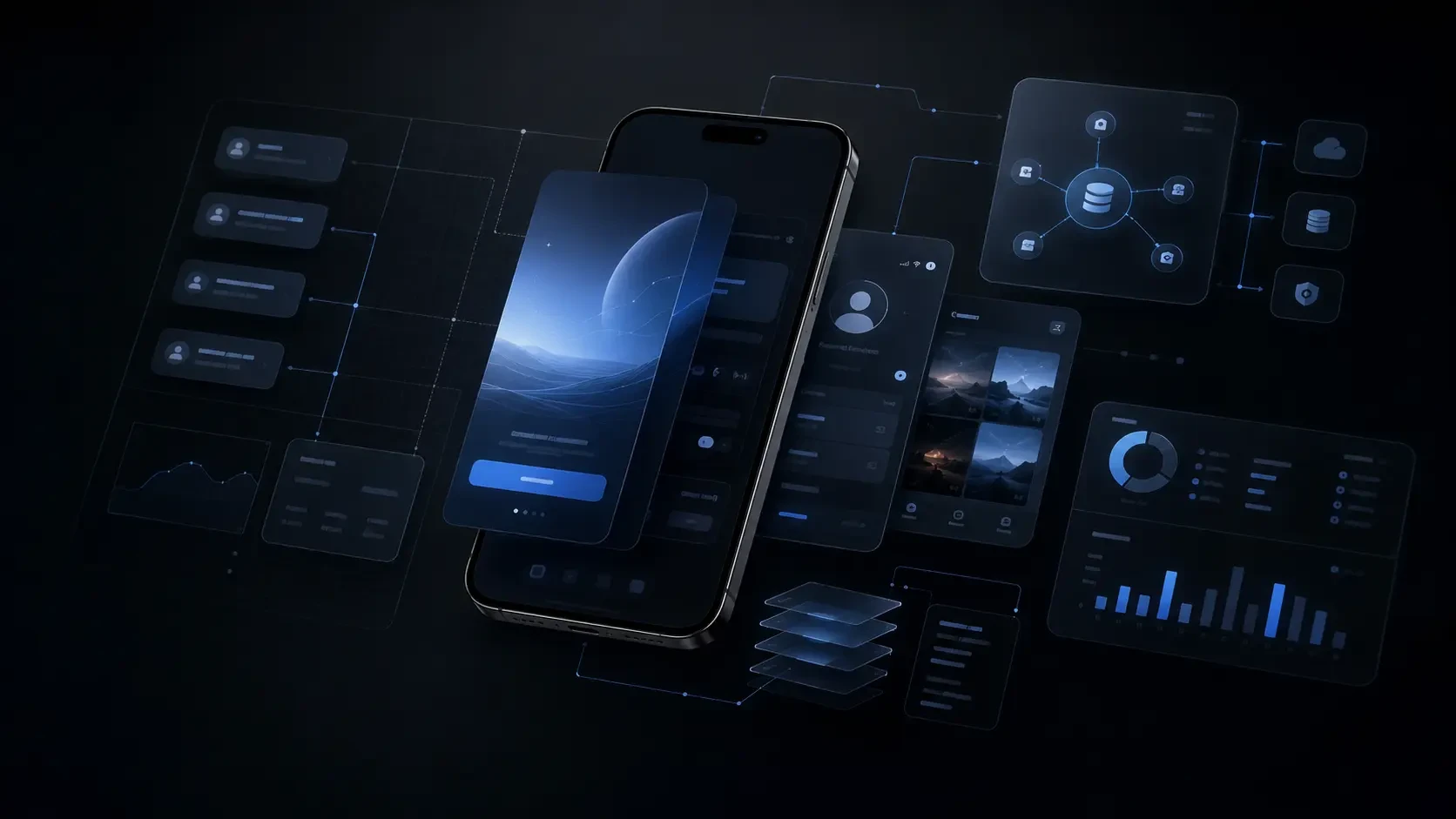
The cost of a mobile app is not just determined by the number of screens. The scope of the app, user roles, backend needs, integrations, technology choice, security requirements, and post-launch development plan directly affect the total budget.
One of the most common situations businesses face when wanting to develop a mobile app is receiving quite different offers.
While one team may propose progressing with a few basic screens and a standard membership structure, another team may offer a broader plan covering user roles, custom workflows, backend infrastructure, integrations, and app store processes.
At first glance, both offers seem to provide a “mobile app development” service. However, the resulting product, technical infrastructure, and long-term user experience may not be the same.
The cost of a mobile app is not determined solely by how many screens will be designed. What problem the app solves, what actions users will take, where data will be stored, which systems it will interact with, and how it will evolve after launch directly affect the total scope.
Therefore, the more accurate question is:
Does this offer cover only the first version of the app, or does it also plan the experience and infrastructure the product needs?
In this article, we will discuss the main areas affecting mobile app prices, points to consider when comparing offers, and the difference between initial cost and long-term cost.
Why Do Mobile App Prices Vary?
In mobile apps, cost differences often arise not in design but in unseen technical and operational areas.
For example, an app that only displays content and consists of a few basic screens is not of the same scope as an app that includes user registration, notifications, payment processes, a membership system, map usage, and an admin panel.
Similarly, the needs of an app that serves only the end-user differ from a product that has customer, field team, and manager sides.
The main differences affecting the price are usually as follows:
The problem the app is trying to solve
User roles and authorization structure
More than the number of screens, the complexity of process flows
Backend and data management needs
Features like notifications, payments, subscriptions, or maps
Integration requirements with existing systems
Targeted experience for iOS and Android
App store publishing process
Security, performance, and maintenance needs
Post-launch development plan
Therefore, the cost of a mobile app is not just the cost of creating an app interface; it is the cost of developing a digital product suitable for your business and users.
Factors Affecting Mobile App Cost
Scope and Use Cases of the App
The number of screens in an app is important; however, what really affects the cost is the operation behind the screens.
For example, a reservation screen may seem simple at first glance. But when availability checks, user verification, calendar synchronization, reminders, cancellation conditions, and payment flow come into play, the scope expands.
Therefore, during the planning phase, not only “which screens will there be?” but also the following questions should be addressed:
What actions will the user take in the app?
What data or rule is this action dependent on?
Which team or system will be informed when the action is completed?
What will happen if the user makes a mistake or the process is interrupted?
How will the same process work for different user roles?
A good app appears simple to the user. However, behind this simplicity are well-structured workflows.
User Roles and Authorization Structure
Apps with a single user type may require a simpler structure.
However, when different user roles such as customer, manager, dealer, seller, field worker, expert, or content editor are needed, the scope of the app expands.
Different screens, permissions, and data access rules may be required for each role.
For example, in a field app, a worker may only see tasks assigned to them, while a manager may want to track the performance of the entire team. The customer side may also experience a different experience in the same system.
Therefore, user roles affect not only the login screen but the architecture of the entire app.
Design and User Experience
Mobile app design is not just a visual layer.
The user's first time opening the app, registering, performing the main action, understanding error states, and getting support when needed should be considered as a whole.
The design scope typically includes the following areas:
Information architecture
User journeys
Onboarding process
Main screens and navigation
Forms and process flows
Empty states
Error messages
Loading states
Notification experience
Accessibility needs
Adaptation to different screen sizes
The app's feeling of reliability and clarity affects not only the user's first use but also the likelihood of returning.
Device Features and Special Functions
Some apps progress with standard screen and form structures. In others, the features offered by the mobile device are a direct part of the product.
For example, the following features may require additional technical planning:
Camera usage
Location and map services
QR or barcode scanning
Bluetooth or physical device connections
Biometric login
Offline usage
File upload
Real-time messaging
Push notifications
Calendar integrations
Each of these features may require additional work not only on the app side but also in permission management, data security, error scenarios, and testing processes.
Difference Between MVP and Comprehensive First Version
One of the decisions that most affect the budget in mobile app projects is how comprehensive the first version will be.
MVP is not the simplest form of the product. It is the first version that meets a real need of the user, has basic flows working correctly, and provides learning opportunities.
However, in many projects, too many features are tried to be added to the first version.
This can extend the development time, increase the budget, and make the product's main value proposition invisible.
When planning an MVP, it is useful to divide features into three groups:
Features that must be present in the first version
Features that can be added based on user data and feedback
Ideas to be considered in later stages of the product
For example, in a membership app, user registration, profile management, basic content access, and notifications may be sufficient for the first version. Advanced recommendation systems, social features, reward mechanics, or detailed reporting can be addressed after seeing the app's usage.
Determining the right scope in the first version is more valuable than reducing the cost. Because it prevents teams from investing in the wrong priorities.
React Native, Native, and Technical Infrastructure Selection
The choice of technology in the mobile app development process directly affects the cost and development plan.
The most common question is:
Should the app be developed separately for iOS and Android, or should multi-platform technologies like React Native be used?
There is no single answer to this question that applies to everyone.
When Might React Native Be Suitable?
React Native allows developing apps for iOS and Android with a single codebase.
It can be a strong option for projects that want to be present on both platforms simultaneously, aim for a consistent user experience, and progress with teams working in the JavaScript or TypeScript ecosystem.
React Native can offer an efficient development process for membership apps, reservation systems, loyalty programs, content platforms, service apps, and API-based products.
Even if React Native is preferred, platform-specific developments may be required on the iOS and Android sides depending on the needs of the app.
When Is Native Development Meaningful?
Native development means using platform-specific technologies for iOS and Android.
This approach may be more suitable for apps that require high performance, interact intensively with device hardware, or need to offer a platform-specific experience.
For example:
Advanced camera and image processing
Intensive graphics or animation usage
Hardware integrations
Complex offline usage scenarios
High-performance media experiences
Platform-specific user interactions
In such needs, the native approach can provide a stronger foundation.
The choice of technology should not be made solely based on the initial development cost. The app's maintenance needs, team structure, product development plan, and its relationship with device features should be evaluated together.
Backend, Integrations, and Data Structure
The visible face of a mobile app is the screens. However, the part that ensures the app works securely, quickly, and sustainably is often the backend infrastructure.
User accounts, authorization, app data, notifications, payment processes, content management, and connections with third-party systems are planned in this area.
Some topics affecting backend needs are:
User registration and login methods
User roles and permissions
Data storage and access structure
Push notifications
Payment or subscription processes
File and image uploads
Need for an admin panel
Reporting and analytics
External API connections
Data security and backup
Integrations can also significantly affect the project scope.
For example, the app may need to communicate with ERP, CRM, e-commerce systems, accounting software, reservation systems, or existing corporate software.
It is not enough to just say “integration will be done” here. Details such as which direction the data will flow, which system will be the main source, what will be done when an error occurs, and how often the data will be updated should also be clarified.
What to Consider When Comparing Offers?
When evaluating mobile app offers, looking only at the total amount can be misleading.
If there is a significant difference between two offers, it is necessary to first understand the scope difference.
When comparing, seek clear answers to the following questions:
Which user flows are included in the app?
Will the design be custom-made?
Will iOS and Android apps be developed together?
Is there a preference for React Native, native, or another technology?
Is the backend, API, and admin panel included?
How will user registration and authorization processes be handled?
Are push notifications, payment, or subscription systems included?
Is integration with existing systems required?
Who will handle the App Store and Google Play publishing preparations?
How will the testing process be conducted on different devices and screen sizes?
Will source code and access information be delivered?
What is the scope of post-launch support and maintenance?
A good offer not only lists the screens but also clearly defines the technical responsibilities behind these screens, what will be delivered, and the post-launch process.
Initial Cost and Long-Term Cost
A solution with a low initial cost may not always be more economical in the long run.
For example, the inability to manage the app, the need for constant redevelopment to add new features, the improper structuring of user data, or the inability to adapt to app store updates can lead to higher costs in the future.
Therefore, when evaluating, it is necessary to look not only at the initial investment amount but also at the following areas:
New feature addition process
App maintenance and update needs
Server and third-party service costs
Compliance with app store requirements
Error monitoring and performance tracking
Security updates
Ease of management for the operations team
Capacity for development based on user feedback
The goal is not to develop the biggest product from day one. It is to create the right foundation that the business needs today and can develop tomorrow.
Codezone's Mobile App Approach
In mobile app projects, we don't start by talking about the number of screens or the list of technologies.
First, we try to understand the problem the product needs to solve, why users will return to the app, and which process of the business it will make more efficient.
Which features are really necessary in the first version? What data will be managed? Which systems will the app connect to? What will be the most frequent action users will take?
In projects started without clarifying these questions, the app may become burdened with unnecessary features over time or struggle to meet the real needs of the business.
At Codezone, we see mobile apps as digital products where user experience, product strategy, technical infrastructure, and long-term development plan are considered together.
Our goal is not just to develop an app that is present in the App Store and Google Play; it is to build a product infrastructure that users regularly benefit from, teams manage with confidence, and continues to develop as your business grows.
Conclusion
Mobile app prices cannot be evaluated based on a single screen count or a fixed package.
The scope of the app, user roles, technical infrastructure, backend needs, integrations, device features, publishing processes, and maintenance plan determine the total cost.
Therefore, when receiving offers, it is necessary to evaluate not only the initial budget but also how secure, manageable, sustainable, and open to development the resulting product will be.
A well-planned mobile app not only strengthens your business's digital presence but also helps you establish a more regular, measurable, and long-term relationship with users.
Frequently Asked Questions
Is there a fixed price for a mobile app?
No. The scope of the mobile app, user flows, backend needs, technology choice, integrations, and targeted platforms vary in each project. For a healthy budget assessment, the needs must first be clarified.
Does React Native reduce mobile app costs?
React Native can make the development process more efficient as it allows progressing with a single codebase for iOS and Android. However, the total cost varies depending on the scope of the app, platform-specific needs, backend structure, and integrations.
Is backend always necessary in a mobile app?
It is not always necessary in the same scope. However, many apps that require user accounts, data storage, notifications, payments, content management, or connections with external systems need backend infrastructure.
Is the App Store and Google Play publishing process included in the development scope?
This depends on the scope of the service received. App store descriptions, screenshots, privacy policy, testing processes, and publishing settings should be clarified at the start of the project.
Is further development needed after the mobile app is launched?
Yes. Mobile apps need to be regularly developed based on user feedback, usage data, business needs, security requirements, and operating system updates.