
How Should a Digital Product With an Admin Panel Be Planned?

When user experience, operational management, and technical infrastructure are planned together in digital products with an admin panel, the product becomes more sustainable, manageable, and easier to develop over time.
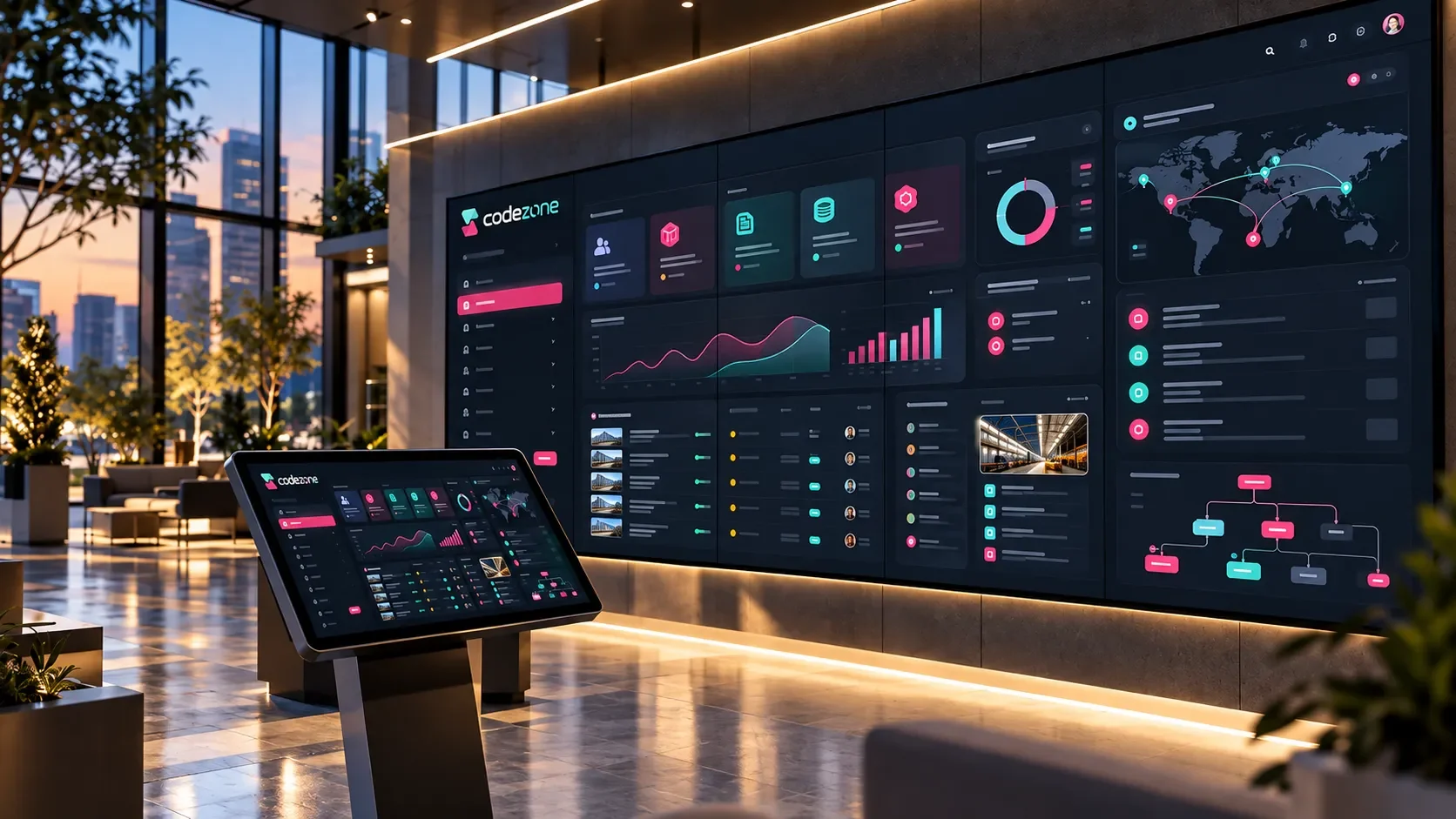
The Admin Panel Becomes the Operational Center of a Digital Product
The management environment used by the company team is just as important to the success of a digital product as the user-facing experience.
When developing a web application, customer portal, dealer system, e-commerce infrastructure, mobile application, or SaaS product, it should be clear from the beginning where content, users, requests, orders, payments, reports, and settings will be managed.
The admin panel is the operational center of the product.
Actions performed on the user side are monitored, updated, and managed through the panel. The company team carries out its daily work from this area.
For this reason, the panel structure should be planned together with the product’s technical infrastructure and business workflows.
The admin panel makes the operational structure behind a digital product visible and manageable.
When the admin panel is planned effectively, teams can work more efficiently, data remains more organized, processes become easier to track, and the product can continue evolving over time.
The Product’s Core Workflow Should Be Defined
The first step in planning an admin panel is understanding the digital product’s core workflow.
What action will the user perform in the product? What kind of record will that action create in the panel? How will the team manage that record? Which stages will the process move through?
Once this flow is clear, the required panel modules can be defined more accurately.
How Can the Workflow Be Mapped?
At the beginning, questions such as the following can be asked:
Which action does the user initiate in the product?
What data record does this action create?
Which team sees the record?
Does the process involve approval, assignment, or status changes?
At which stages is the user informed?
Which data needs to be reported?
Which actions are automated and which are handled manually?
At what point is the process considered complete?
For example, in a customer portal, the user creates a support request.
The request appears in the admin panel, is assigned to the support team, its status is updated, the user receives a notification, and once the request is completed, it becomes part of the reporting data.
Planning the panel becomes much easier once this workflow is understood.
The role of the panel is to transform the business workflow into a structure the team can manage comfortably.
We explore project scoping in more detail in How Should Project Scope Be Defined Before Building Custom Software?.
User Roles and Permissions Should Be Planned From the Beginning
In digital products with an admin panel, not everyone should have access to the same screens or actions.
User roles and permissions help the panel operate securely and consistently.
A panel may include roles such as administrators, editors, operations teams, finance teams, support teams, sales representatives, dealer administrators, or customer representatives.
The data each role can see and the actions each role can perform may be different.
Which Decisions Should Be Made Around Roles?
Questions that can guide role and permission planning include:
Who will use the panel?
Which modules can each user access?
Who can create records?
Who can edit records?
Who can delete records?
Who can approve actions?
Who can view reports?
Who can add users?
Which data should only be visible to specific users?
Which actions should be logged?
For example, the finance team may manage payment and invoice areas while the content team manages blog and page content.
The operations team may track requests and orders, while management users access broader reports.
Planning this structure early reduces complexity as the project grows and helps the panel fit more naturally into daily operations.
Panel Modules Should Be Selected According to Business Needs
Admin panel modules are determined by what the product needs to manage.
Not every digital product requires the same modules.
The scope of the panel depends on user types, data structure, business workflows, and the company’s operational model.
Common Admin Panel Modules
Digital products often include modules such as:
User management
Role and permission management
Customer management
Content management
Product management
Order management
Request management
Appointment management
Document management
Notification management
Campaign management
Payment and invoice tracking
Reporting
Integration settings
System settings
Activity logs
When deciding which modules to include, the priority should be the areas that support the product’s core workflow.
This keeps the first release more focused and allows the panel to expand later according to real usage.
We explain this topic more broadly in Which Modules Should Be Planned When Building an Admin Panel?.
The Data Structure Forms the Foundation of the Panel
The admin panel is where data is organized and managed.
For this reason, the project should define which data will be stored, how different records will relate to each other, and how information will be updated.
When the data structure is planned clearly, the panel becomes easier to understand, development becomes more structured, and reporting becomes stronger.
Which Data Can Be Planned?
Depending on the project, the panel may manage data such as:
Users
Customers
Company accounts
Products
Categories
Orders
Requests
Appointments
Documents
Content
Notifications
Payments
Invoices
Form submissions
Integration records
Activity history
Reporting data
For example, in a B2B sales system, customer, product, price list, order, and account data may all work together.
In a customer portal, users, requests, documents, and notifications may take priority.
In a SaaS product, subscriptions, plans, user allowances, and payment records may become more important.
Once these data relationships are defined, panel screens can also be designed more accurately.
List, Detail, and Editing Screens Should Be Standardized
The screens teams use most frequently in an admin panel are usually list, detail, and editing views.
A customer record, order, request, product, document, or content item is typically managed through these screen types.
Consistency across these screens makes the panel easier to use.
If every module follows a different interaction model, teams need more time to learn the system.
A common design and interaction language makes daily use faster.
How Can Core Panel Screens Work?
An admin panel module will often include:
List view
Detail view
Create new record
Edit record
Filtering
Search
Status updates
Bulk actions
File uploads
Activity history
Notes
Delete or archive actions
For example, in an order module, the list screen displays all orders.
The detail screen includes order contents, customer information, payment status, and shipping information.
The status area allows the order to move through stages such as preparing, shipped, or completed.
The same interaction pattern can be applied across different modules.
This creates a consistent usage rhythm throughout the panel.
Search, Filtering, and Sorting Make Daily Operations Easier
As an admin panel grows, the number of records increases.
When the system contains large numbers of users, customers, orders, requests, products, or documents, search and filtering become critical.
Panel users should be able to reach the record they need quickly.
Each module should therefore have filters that reflect its own workflow.
Which Filters Can Be Used in the Panel?
Depending on the project, filters may include:
Date range
Status
User type
Customer group
Category
Priority
Assigned user
Payment status
Order status
Document type
Campaign status
Integration status
Active / inactive
Publication status
For example, status, priority, and assigned user may be important filters in support-request management.
In an e-commerce panel, order status, payment status, and date may be more important.
For content management, publication status, category, and date may take priority.
When these areas are planned effectively, the panel becomes a genuine operational workspace for the team.
Status Management and Approval Workflows Should Be Defined
In many digital products with an admin panel, records move through specific statuses.
Orders, requests, applications, appointments, payments, and content records may all pass through different stages.
Status management keeps these processes organized.
Teams can see the current stage of each record, take the required action, and provide users with accurate information.
How Can a Status Structure Be Planned?
For request management, statuses might include:
New Request
Under Review
In Progress
Waiting for User Information
Completed
Archived
For order management, the structure might include:
Order Received
Awaiting Payment
Preparing
Ready for Shipment
Shipped
Delivered
Return in Progress
For workflows that require approval, the project should also define which role can approve each stage.
For example, content may first be prepared by an editor, reviewed by a manager, and then published.
This creates a more controlled workflow within the admin panel.
Notifications and Activity Logs Should Be Planned
Important events within the admin panel can trigger notifications for users, teams, or system administrators.
New requests, payment updates, document uploads, pending approvals, or system errors can all be connected to a notification structure.
When Can Notifications Be Used?
Admin panel notifications may be triggered by events such as:
New user registration
New request created
Order status changed
Payment received
Document uploaded
Approval required
Integration error
New message received
Stock level reached a critical point
Report generated
Activity logs are another important part of the admin panel.
The system can record which user updated which record, when a status changed, and which action was performed.
This improves transparency within the team and makes it easier to review historical activity.
Integrations Should Be Monitorable From the Panel
Digital products with admin panels often work together with other systems.
ERP, CRM, accounting software, payment infrastructure, e-invoicing, shipping, SMS, email, or third-party services may all become part of the product’s data flow.
Making integration status visible from the panel helps teams monitor these connections more effectively.
What Can Be Displayed for Integrations?
The panel may show:
Last synchronization time
Number of successful transfers
Failed records
Pending actions
API connection status
Integration settings
Data mapping fields
Log records
Manual retry actions
For example, if orders from an e-commerce system are transferred into an ERP, the panel can display the transfer status.
If a customer portal retrieves invoices from an accounting system, the team can monitor the latest synchronization time and any failed records.
We explain the role of these connections in more detail in What Is API Integration? What Does It Offer Companies?.
The Dashboard Should Present the Right Summaries
The dashboard is usually the first screen teams see when they open the admin panel.
Its purpose is to provide a quick overview of the product’s current status.
A dashboard should focus on the information that matters most to the product’s business model rather than trying to display every available metric at once.
What Can Be Included on the Dashboard?
The dashboard may include:
Total number of users
Active customers
New requests
Open orders
Pending approvals
Daily form submissions
Payment summary
System notifications
Most frequently used modules
Recent activity
Integration status
Performance indicators
For example, active subscriptions, trial accounts, and payment status may be more important in a SaaS product.
In a customer portal, open requests and recent documents may be more valuable.
For e-commerce management, order, inventory, and campaign performance may deserve greater visibility.
We also explore subscription and user-management planning in How Should Subscription and User Management Be Defined Before Developing a SaaS Product?.
Mobile Use and a Responsive Panel Experience Should Be Considered
Admin panels are often used primarily on desktop, but mobile or tablet access may also matter in certain projects.
Field teams, sales representatives, managers, or operations teams may need to access specific areas of the panel while away from their desks.
For this reason, the project should determine which parts of the panel need to work responsively.
Which Areas Matter in the Mobile Panel Experience?
Important mobile capabilities may include:
Quick overview screen
Notifications
Request status updates
Order checks
Customer search
Document viewing
Approvals
Adding notes
Photo or document uploads
Basic report viewing
Not every panel screen needs to provide the full desktop experience on mobile.
The focus can instead be placed on the actions users are most likely to need while working in the field or on the move.
We explore this topic further in Why Does a Mobile App Need an Admin Panel?.
The First-Release Panel Scope Should Be Prioritized Carefully
The scope of an admin panel can grow significantly over time.
The first release should prioritize the modules needed to support the core workflow, while advanced reporting, automation, or detailed configuration can be planned for later phases.
This allows the project to progress in a more controlled way.
Teams can begin using the panel in the first release and identify additional requirements through real-world usage.
Which Panel Areas Can Be Included in the First Release?
Depending on the project, the initial version may include:
User login
Role and permission structure
Basic dashboard
Core data module
List and detail screens
Record creation and editing
Status management
Basic notifications
Simple reporting
System settings
Later phases may add:
Advanced reporting
Automation
Integration monitoring
Bulk actions
Advanced logging
Additional user panels
We explain which information helps clarify project scope during the initial discussion in What Information Should Be Shared in the First Meeting for a Custom Software Project?
Panel Performance and Security Standards Should Be Defined
Because an admin panel handles important company data, performance and security should be planned carefully.
The panel should load quickly, records should be easy to filter, actions should be completed securely, and permission rules should work consistently.
Which Technical Areas Are Important?
Important technical considerations include:
Secure session management
Role-based access
Data validation
Log records
Backups
API security
File upload controls
Form validation
Error handling
Performance optimization
Pagination for large data sets
Search and filtering performance
These areas help the panel remain reliable over the long term.
As the number of users, volume of data, and number of modules grow, a well-planned technical foundation becomes increasingly important.
Codezone’s Approach
At Codezone, we structure digital products with admin panels around user experience, workflows, data architecture, and technical infrastructure.
We define which teams will use the panel, which modules they will manage, which data the system will contain, and how the admin experience connects with the user-facing side of the product.
We plan admin panels around user roles, permissions, modules, list and detail screens, status management, notifications, integrations, dashboards, and measurement.
This turns the admin panel into an operational structure that supports the company team’s daily work while contributing to the long-term sustainability of the digital product.
With this approach, the digital product becomes a more organized, manageable, and scalable system across its user-facing interface, admin panel, and backend infrastructure.
Conclusion
When planning a digital product with an admin panel, the user experience, company team, data structure, and operational workflow should be considered together.
The panel becomes the primary workspace for managing users, records, content, requests, orders, notifications, integrations, and reports.
A successful admin panel begins with clear planning around the core workflow, user roles, permissions, modules, data relationships, status management, filters, dashboard, integrations, security, and performance.
When this structure is designed effectively, the digital product becomes more than a collection of user-facing screens.
It gains a strong management infrastructure that supports daily operations, keeps data organized, and makes continued product development easier.
Frequently Asked Questions
What Is a Digital Product With an Admin Panel?
A digital product with an admin panel includes both a user-facing interface and a dedicated management environment where the company team can manage users, content, requests, orders, payments, notifications, or reports.
Which Modules Can Be Included in an Admin Panel?
An admin panel may include user management, role and permission management, customer management, content management, request management, order management, document management, notifications, reporting, and system settings.
How Comprehensive Should the Admin Panel Be in the First Release?
The first release should include the modules required to support the core workflow.
User login, a basic dashboard, core data modules, list and detail screens, status management, and simple reporting may be sufficient for the initial version.
Should an Admin Panel Be Usable on Mobile?
This depends on the product’s usage scenario.
If field teams, sales representatives, or managers need to take action while on the move, selected areas of the panel can be designed for a responsive mobile experience.
Can an Admin Panel Display Integration Status?
Yes.
The status of ERP, CRM, payment, e-invoicing, shipping, SMS, email, and other API connections can be monitored through the panel.
Successful transfers, error records, and the latest synchronization time can also be displayed.